


Where YouTube thumbnails get tested, reviewed, and approved
One place to upload drafts, preview in context, and get feedback without endless emails or DMs.
Powering the biggest channels in the world


Great thumbnails die in DMs
You get one shot at the click. Most channels still decide their thumbnails in scattered DMs, email threads, and shared folders.
The old way
“Make it pop” — feedback in DMs that points at nothing
thumbnail_FINAL_v3_new.png — five versions deep in the chat scroll
Judged full-screen in a folder, never at the size viewers actually see
A 👍 in the chat is the only record of what got approved
Chasing clients across email, Slack, and WhatsApp for sign-off
The ClickPilot way
Feedback pinned to the exact spot on the thumbnail
Every draft in one project — the current version is never in doubt
Previewed in the real YouTube feed, next to the competition
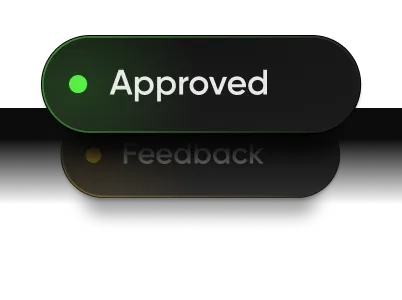
Approvals snapshotted: exactly which thumbnail and title, on record
One review link for clients — comment and approve, no account needed
A messy review round costs you hours. A weak thumbnail costs you the video.
Collaborate with your team.
Invite your team to build and manage projects together
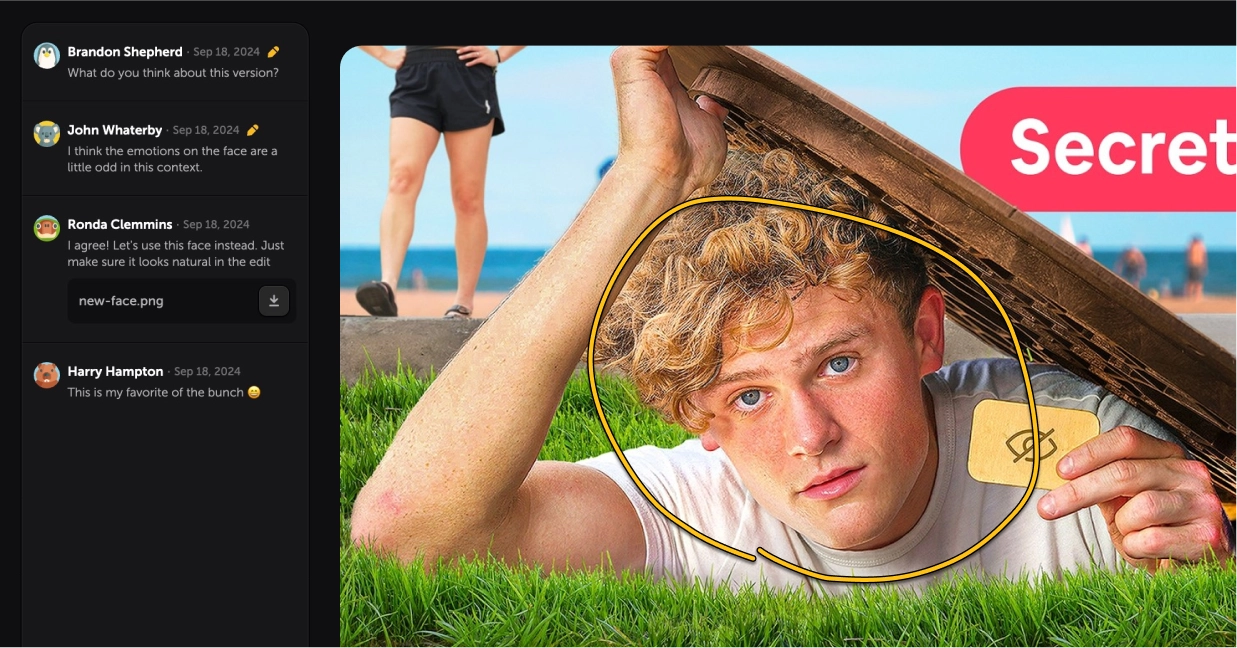
Annotate directly on thumbnails
Attach files and documents
Set project statuses & get approvals
Working together is a breeze
Invite unlimited commenters with a simple link
Add up to 10 artists to your team
Everyone can view and download full-res thumbnails
Quickly preview thumbnails and titles.
See what your thumbnail and titles will look like on Youtube
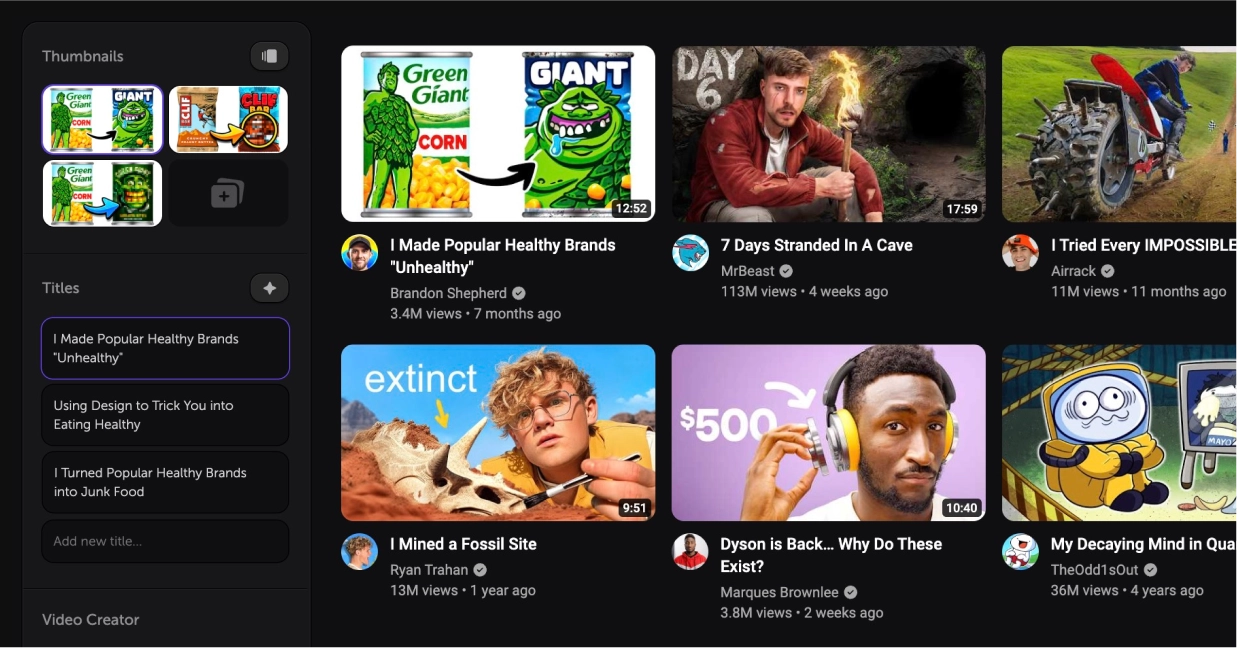
Shortcuts for lightning fast previewing
See your thumbnails in all their forms
Preview directly on a mobile phone
Compare against your competition
See your thumbnails next to videos from any Youtube channel, search term, or individual videos you've saved to your Inspiration Board.
Save thumbnails that inspire you
Find inspiration in our curated library or save them directly from YouTube
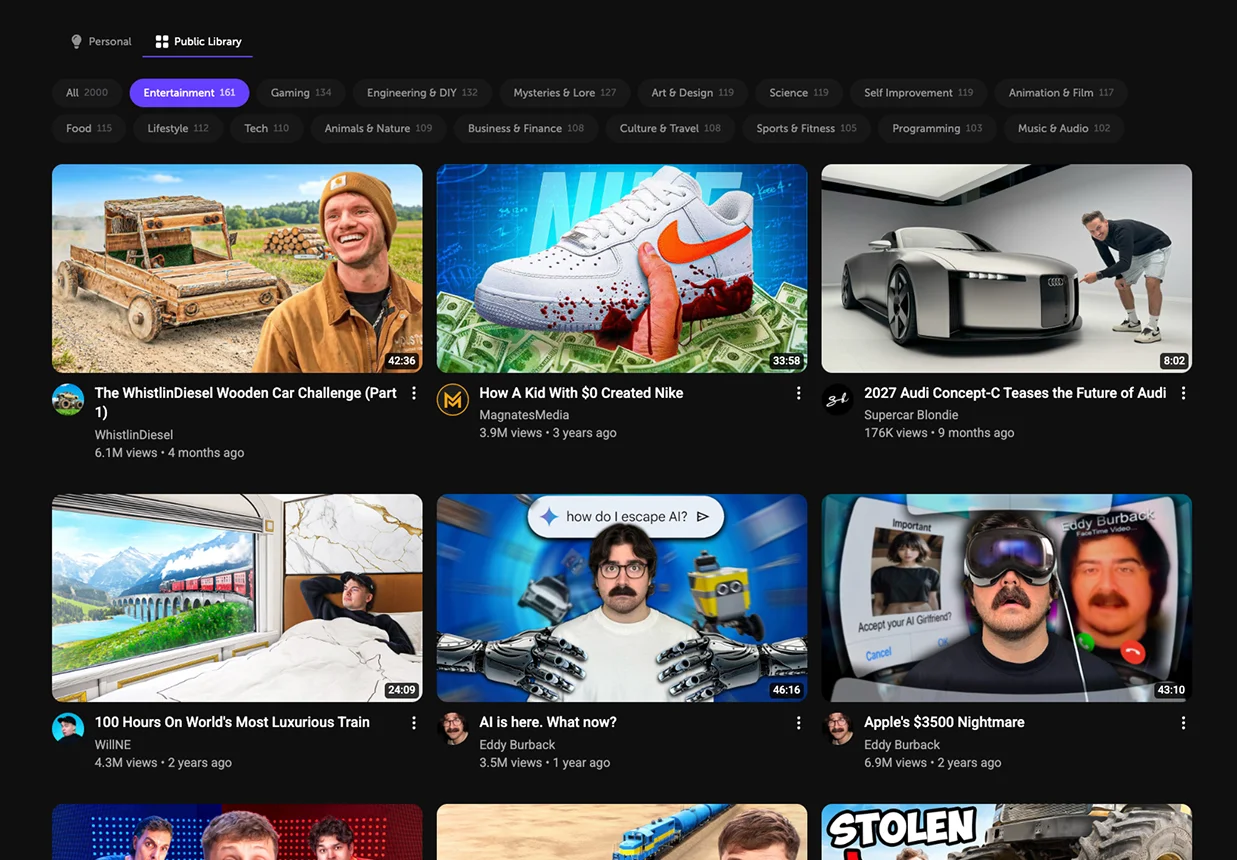
Save thumbnail references

Library of 2,000+ inspiring thumbnails
A collaborative inspiration board

A browser extension as a bonus
Save YouTube videos to ClickPilot
Download full-res thumbnails from any public video (Firefox only)
Save or download multiple thumbnails at once
Use AI to improve your workflow
Get ideas and feedback from top models
AI critiques of your thumbnails
Generate title ideas based on your video’s description
Generate variations of titles to find the best wording
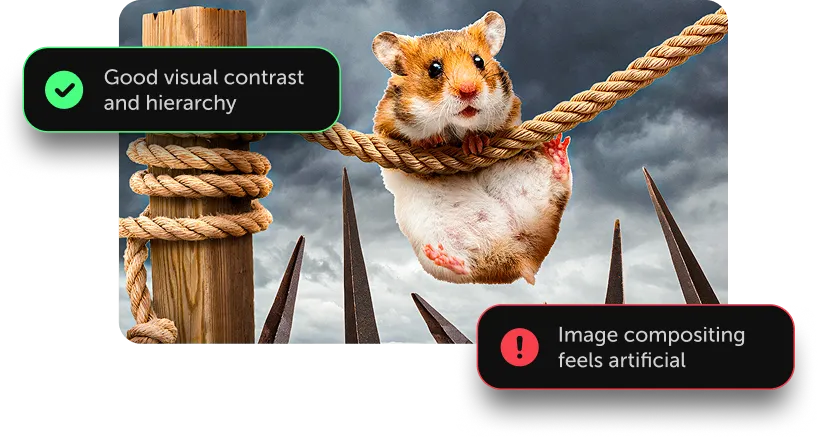
No team? Be your own second opinion
You don't need a review committee to catch a weak thumbnail before it goes live.
See it like a viewer
Preview in the real YouTube feed at the size people actually see.
Size up the competition
Check how you look beside the channels you're trying to beat.
Feedback on demand
AI critiques your thumbnail and sharpens your titles on demand.
All of it is in the Creator plan — built for solo channels.
People love ClickPilot

Will Patterson
@Will_Paterson10
Click Pilot is a game changer for testing and improving your YouTube thumbnails. Without it, it would be a guessing game!

PetRat Productions
@D1a1v1e11
I really like @clickpilotapp

jeffrey
@_yeffrey
I love @clickpilotapp

Mostafa Hasan
@MostafaVisuals
This is hands down the best website I've used for thumbnail mockups which I keep coming back to.

Azan khan | Video Editor
@TheVariant0
love how well this was thought out and the ability to compare with what's actually on YouTube 🔥 great work

nika
@nixelpixel
I love this tool, use it every day.
The most expensive thumbnail is the one that doesn't get clicked
Days of production ride on a split-second decision. ClickPilot makes sure that split second goes your way.
Days
of scripting, filming, and editing behind every upload
< 1 sec
for a scrolling viewer to decide if your video is worth a click
1 hour
of editor time costs more than a month of ClickPilot
Choose your plan
For YouTube teams and thumbnail agencies.
Cancel anytime before it ends
For thumbnail artists who work with clients.
Cancel anytime before it ends
For solo YouTubers who self-review thumbnails.
FAQs
Editors must log in to ClickPilot, but don't require a paid plan. They can manage projects in a workspace, add and remove thumbnails/titles, contribute to your Inspiration Board, and comment on thumbnails. (10 seats on Studio)
Thumbnail Insights
Creator: 10/day
Artist: 10/day
Studio: 20/day
Title Generations
Creator: 20/day
Artist: 20/day
Studio: 40/day
Your next video deserves better than “looks good 👍”
Set up your first project in minutes. Free for 7 days on Artist & Studio plans — cancel anytime.