


Preview Your YouTube Thumbnail and Title Before You Publish
Drop in a draft, add your title, and see exactly how it looks in the YouTube home feed.
 10:24

Your video title goes here
 43:08

House Shock
 42:07
Bobby Flay's The Line
 21:29

I Tested the Most Downloaded 3D Printed Tech!
 24:19

Victor Davis Hanson: America Faces a Radical New Political Reality
 25:38

Dems could flip even MORE seats after historic wave midterm night (Pod Save Bonus)
 22:57

So, What the Hell Happened Last Night?
 28:58

BREAKING: Iran Weighs Nuclear WEAPONIZATION; IRGC Eyes NATO, European Bases; IDF Alert | TBN Israel
 23:45

Are The Oceans Home To Extraterrestrials? | Ancient Aliens
 16:11

Democrats celebrate after taking back control of Congress
 1:05:56

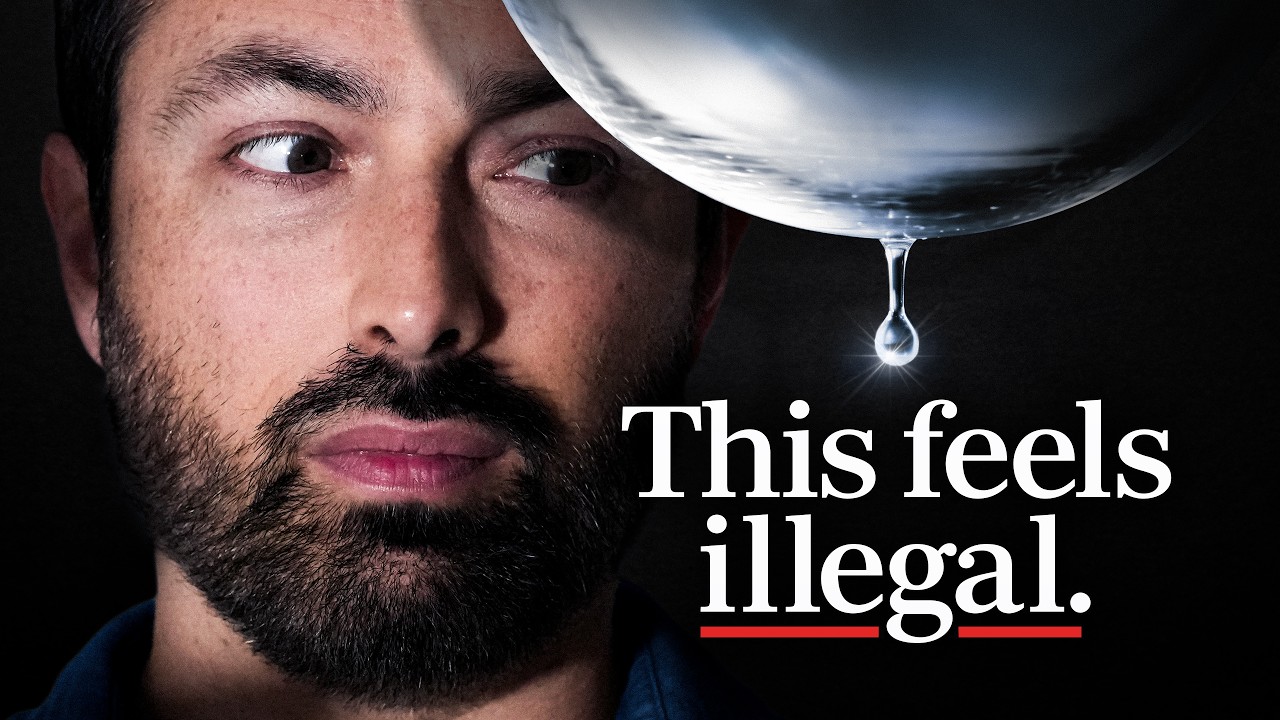
This Liquid Can Pass Through (Almost) Anything
 20:55

The Legend of Zelda: Ocarina of Time Review
Design tools lie to you
Your thumbnail never appears alone at 1280×720. It shows up small, surrounded by competition, with a title attached.
Size changes everything
What looks great in your editor may disappear in the feed.
The title seals the click
Even a perfect image needs a title that pulls its weight.
You're never alone
Your video sits next to everyone else fighting for the same click.
The full previewer answers the harder questions
A quick trending comparison only gets you so far. The real question is whether your thumbnail wins in your niche, everywhere it shows up.
This free tool
Basic preview with thumbnail and title
Free forever. No account, nothing uploaded or stored
Only preview what's trending, not your niche
One placement: the desktop home feed
One upload at a time. Vanishes when you close the tab
The ClickPilot app
Preview against any channel, search term, or your own saved videos
Search results, suggested sidebar, mobile, and TV placements
Projects that save and organize your work.
AI critiques of your thumbnails and titles
Review links for clients and teammates to comment and approve your work
Browse 2,000+ curated thumbnails
Explore a free library of the best packaging on YouTube, organized to help you find your next idea.
Need feedback from a client or teammate?
Once you have narrowed down the options, keep the conversation in the same project with comments, pinned annotations, public review links, and approvals.
FAQs
Yes, it's free. No account, no watermark, no limit on how often you use it. The paid version of ClickPilot adds competitor comparison, more placements, saved projects, AI feedback, review workflows and more.
No. Your image is processed entirely in your browser and disappears when you leave the page. Nothing is uploaded or stored.
YouTube recommends 1280×720 pixels (16:9), under 2MB, in JPG, PNG, or WebP format. This tool accepts any of those and shows your image exactly as the feed would crop it.
A rotating set of currently trending YouTube videos. In the ClickPilot app you choose the competition — any channel, search term, or your own saved boards.